Solitaire
Tells you when a deal can no longer be won.
Tells you when a deal can no longer be won.
In Solitaire it is easy to keep playing a game that is already lost. This app tells you when that happens.
Klondike Solitaire with no account. The app is currently available in Korean only.
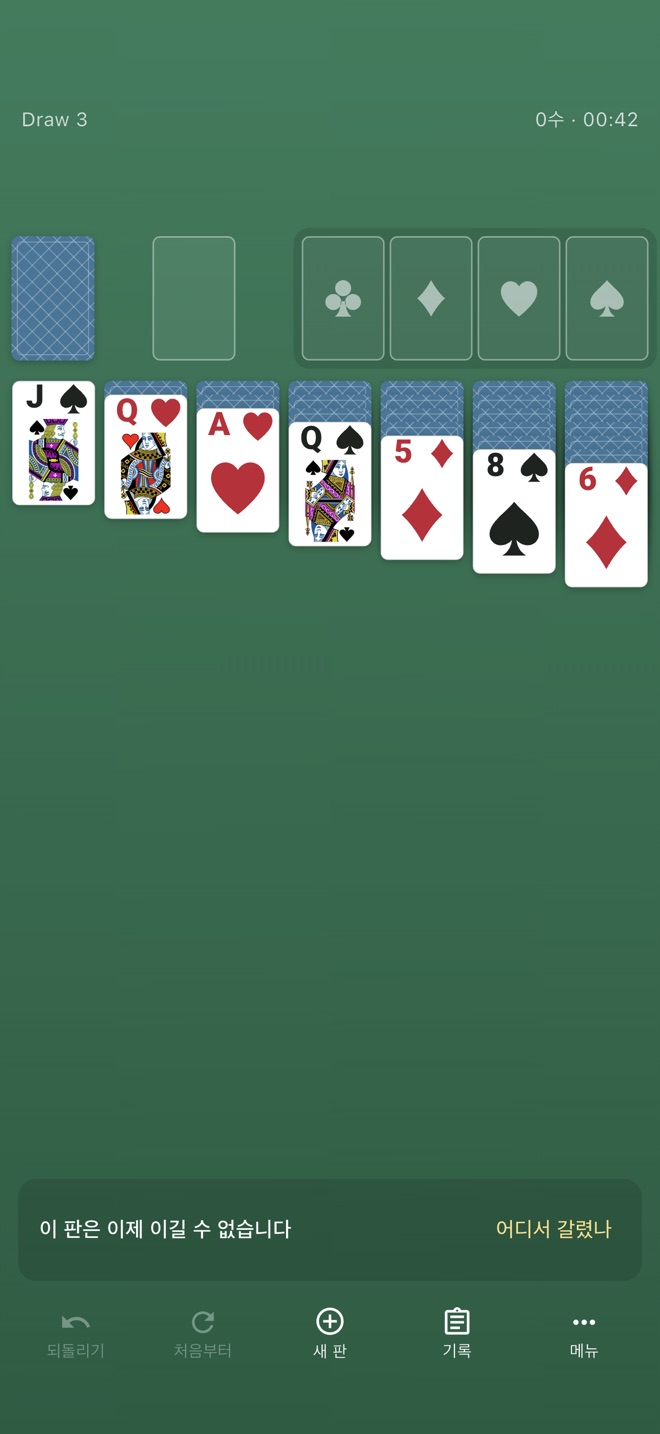
While you play, the app works through the remaining moves in the background. When it confirms that no sequence of moves can win, a notice appears at the bottom of the screen.
이 판은 이제 이길 수 없습니다
This deal can no longer be won
Tap the button next to it to find the last position where you could still have won. The app shows how many moves ago that was and lets you go back to it.
12수 전, 여기서 갈렸습니다
It went wrong here, 12 moves ago
There are no hints for your next move. The app knows the face-down cards, so a hint would give them away.
If the calculation doesn't finish, the app doesn't show anything.
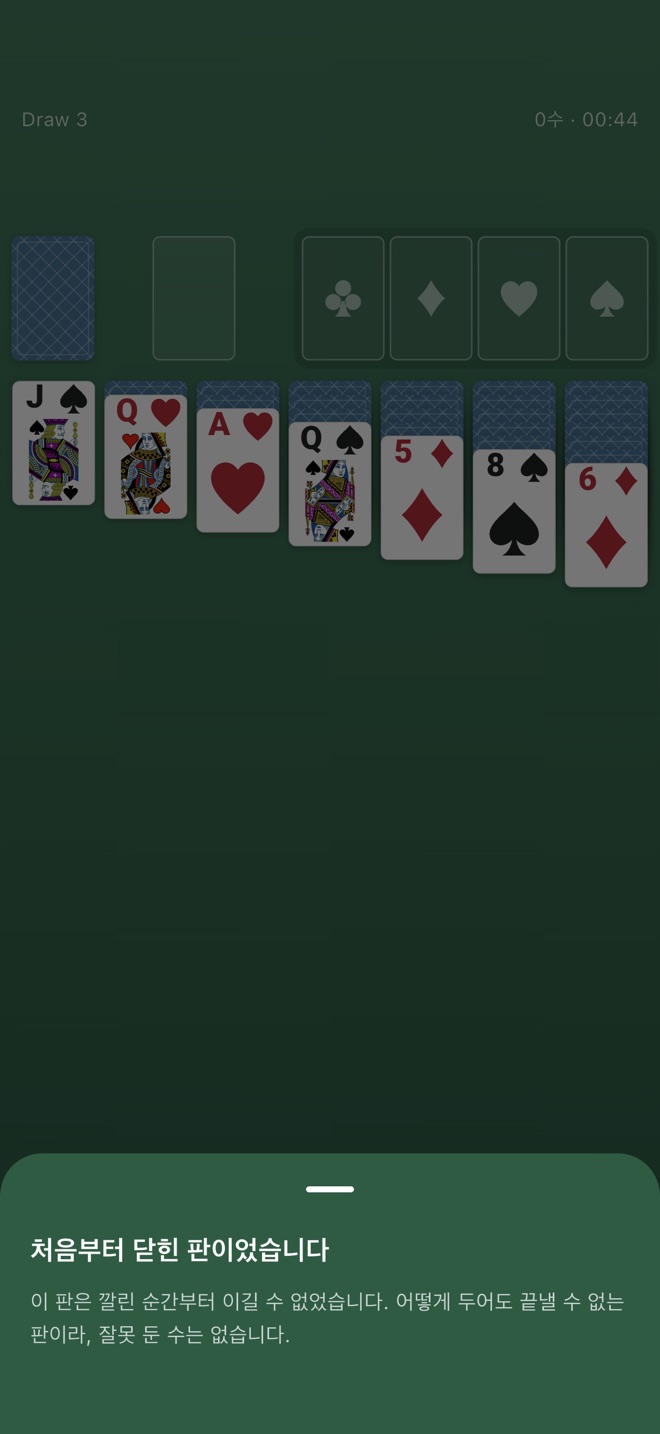
Cards are shuffled at random, so now and then you get a deal that can't be won at all. If you check one of these, the app tells you it was unwinnable from the start. Just start a new game.
처음부터 닫힌 판이었습니다
This deal was unwinnable from the start
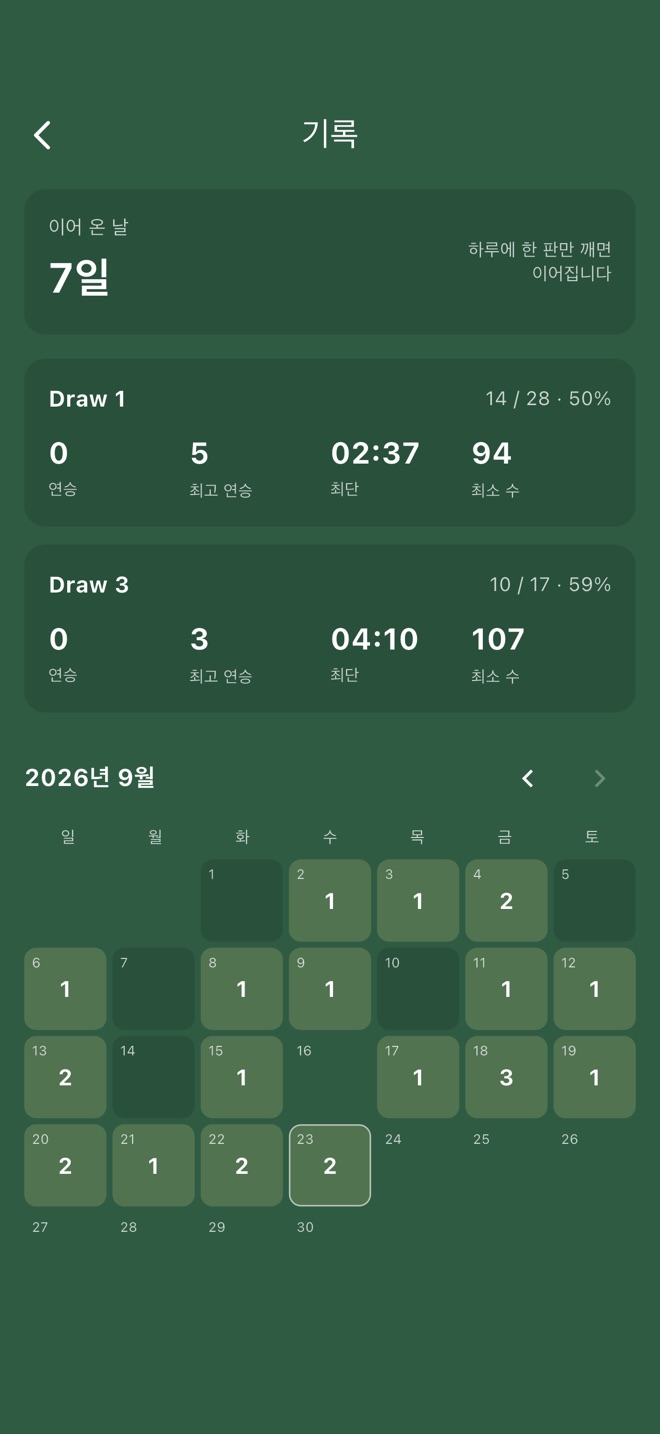
Any game where you make at least one move is recorded. If you move on without winning, it counts as a loss. Your daily streak continues as long as you win at least one game a day.
The Records screen shows your daily streak, win rate, current and best streak, and fastest time for each mode, plus a calendar.
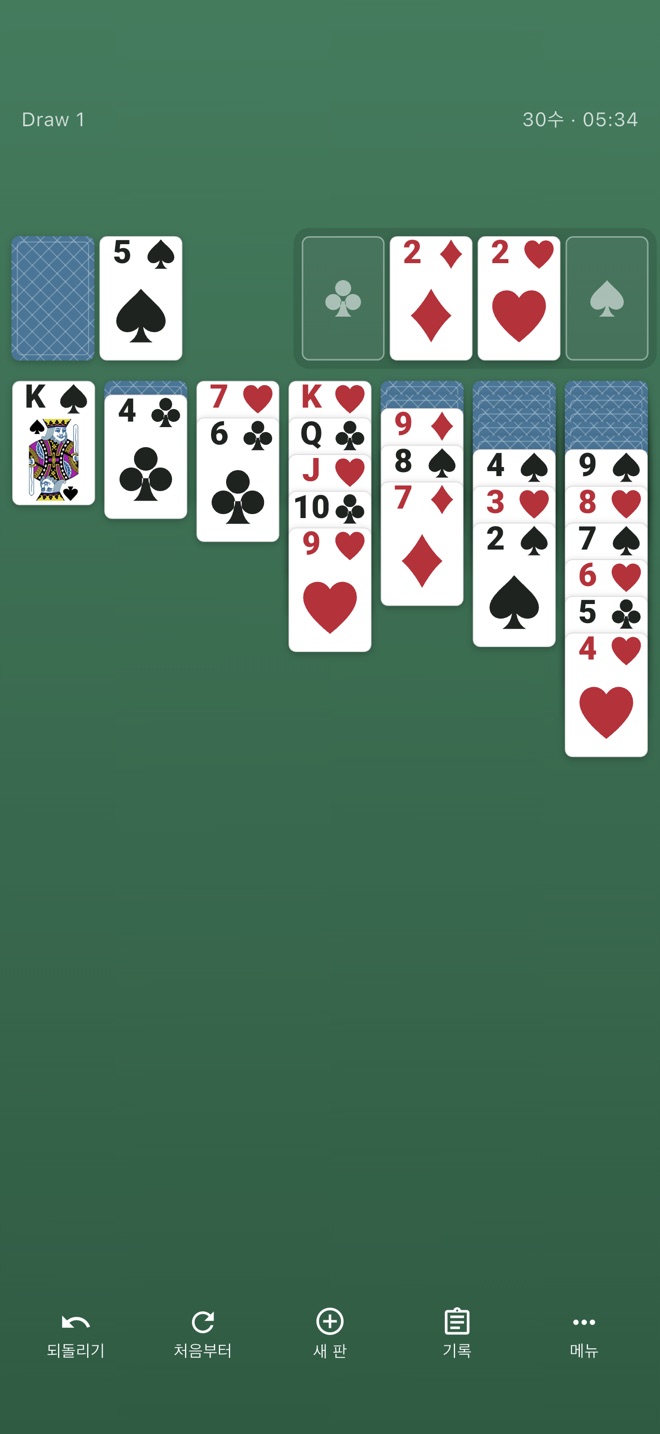
Choose whether to turn the stock one card or three at a time. Each mode keeps its own game in progress, so switching back and forth doesn't lose your place.
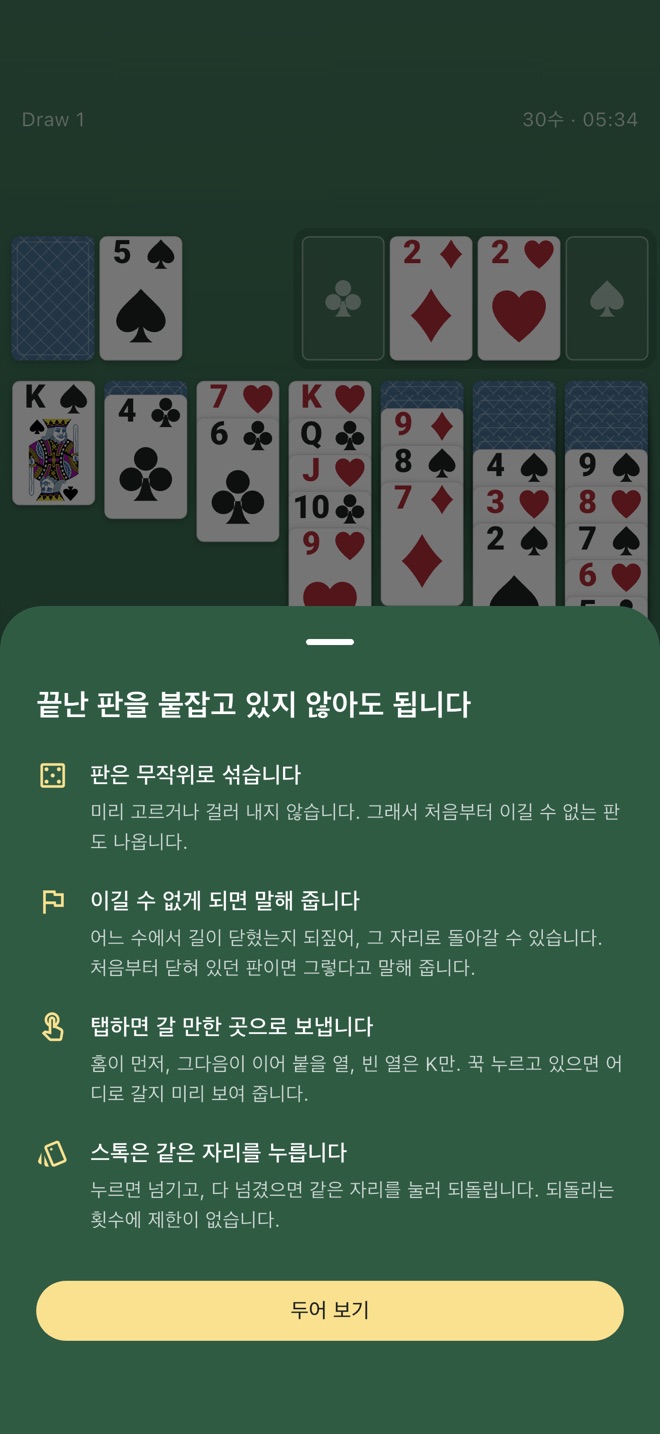
Free, with no in-app purchases.
There is no account, and your records are stored only on your device. The app sends usage statistics only. See the privacy policy for details.
Coming soon to the App Store.
iPhone · iOS 15 or later · Korean